



Quick verdict: Musicful combines prompt, lyrics, and hum-based song creation with editing, stem separation, and an optional music-video workflow. It covers more of the creation chain than many simple song generators, but commercial permission, output ownership, credit cost, and input rights must be evaluated separately.
Editorial disclosure and method: Enkio publishes this review and offers AI music and music-video tools. This is a desk-research review of Musicful, updated October 13, 2026. We checked the Musicful AI Music Generator, Musicful Stem Splitter, and Musicful AI MV Generator.
What is Musicful?
Musicful is a web and mobile AI music platform that can generate songs from text, lyrics, or a hum. Its wider toolset includes editing, covers, stem separation, and music-video generation. The official generator page tells users to make sure they have rights to submitted content—an important limitation that promotional summaries often omit.
Musicful is broad rather than specialised. That makes it attractive to beginners who want one interface, but it also means each stage has a different cost and rights question. A music-generation credit, a 12-stem separation, and a 1080p music video should not be treated as equivalent units.
| Decision question | What Musicful offers | What we verify |
|---|---|---|
| How do I start? | Text, lyrics, or a hum | Prompt length, model, language, and rights to uploaded audio |
| Can I edit the result? | Platform editing and related music tools | Which edits regenerate audio and consume credits |
| Can I get stems? | Up to 12 stems with MP3 or WAV export on the official stem page | Commercial rights to the source song |
| Can it make a video? | Performance, lyric, narrative, animated, and visual MV modes | Duration, resolution, aspect ratio, preview cost, and final-render cost |
| Can I publish commercially? | Standard and Pro are described as commercial plans | Commercial licence is not the same as exclusive copyright ownership |
How Musicful works
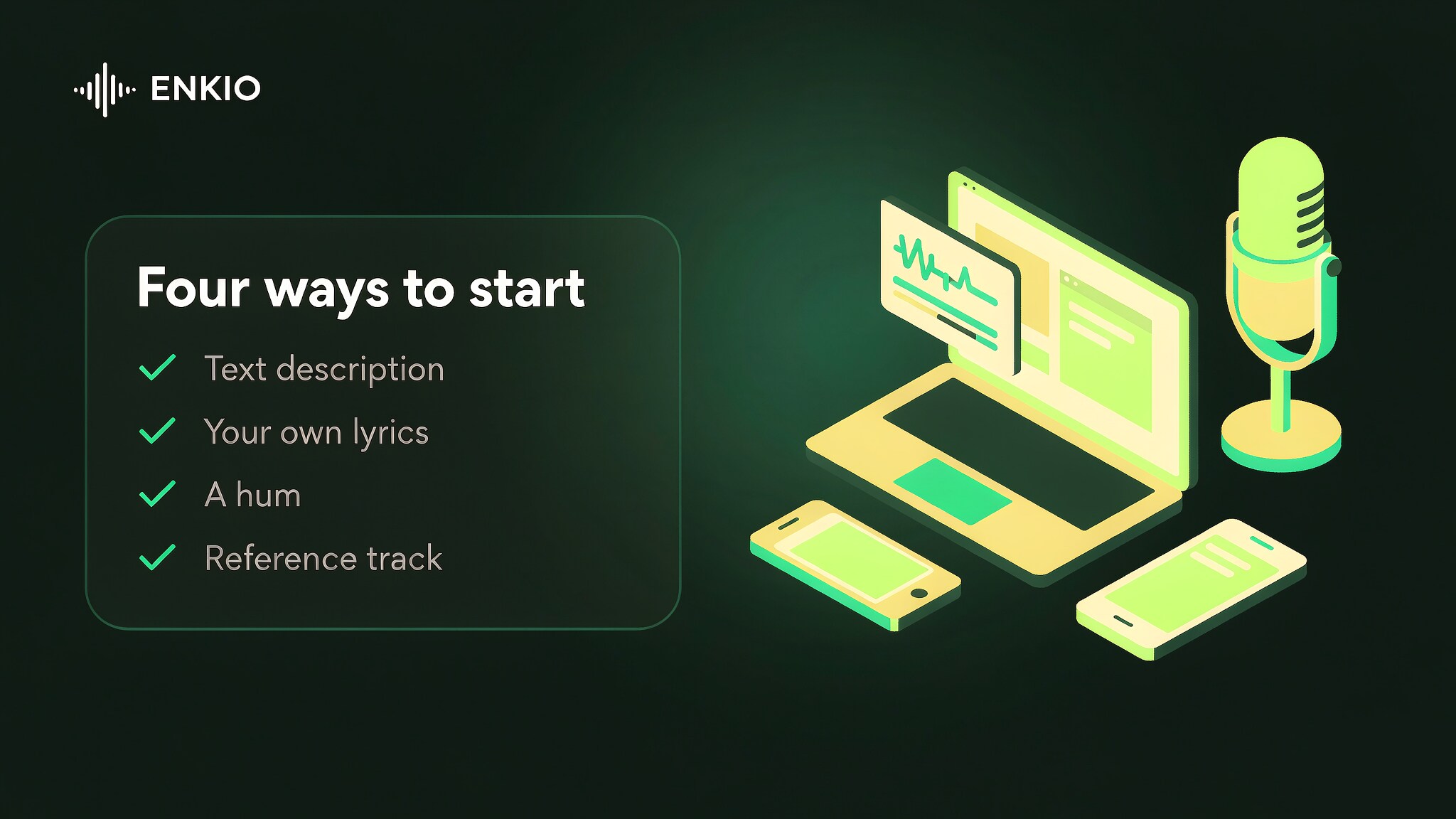
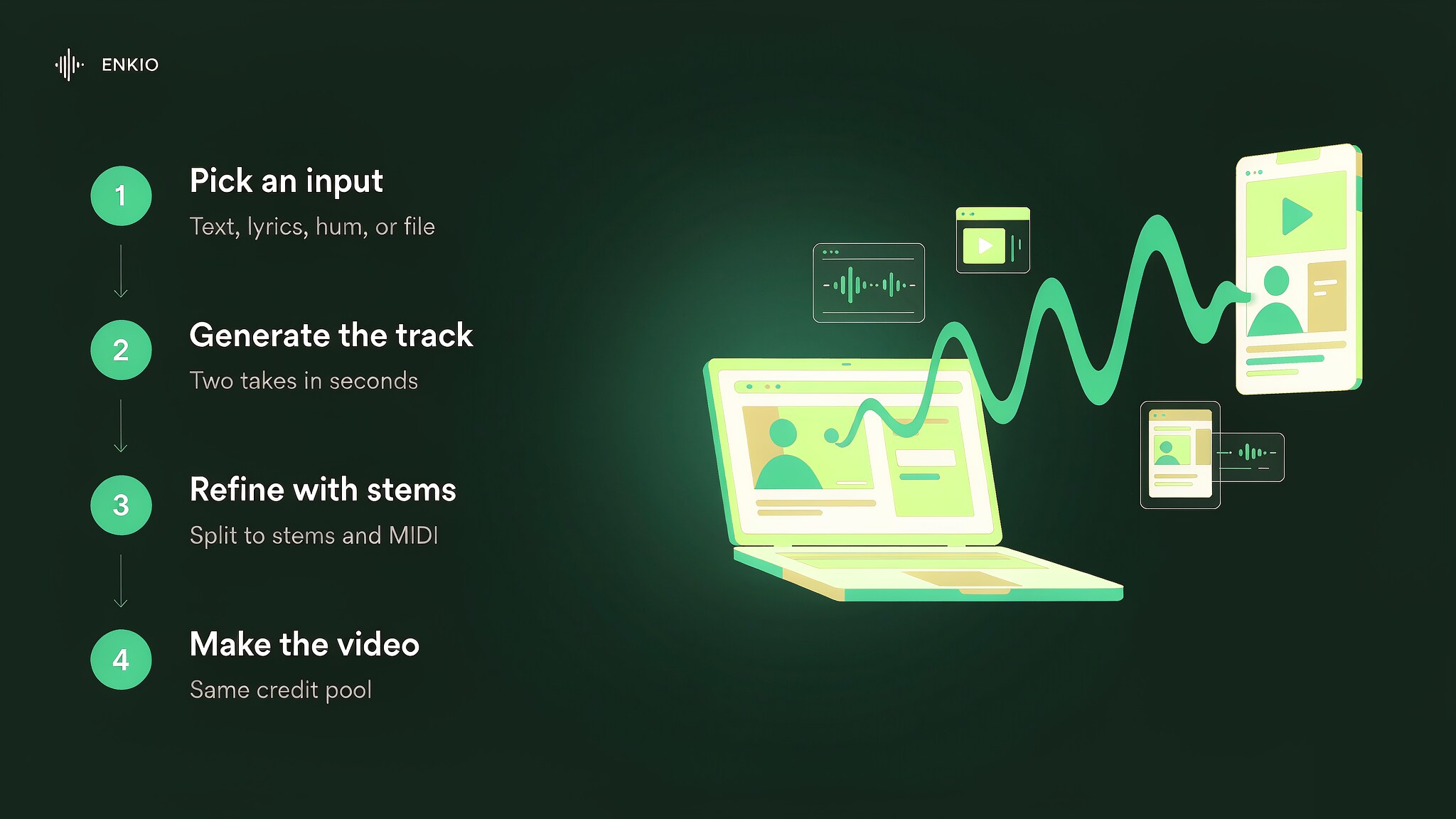
1. Start from text, lyrics, or a hum
Text is useful for a production brief; lyrics give more control over words; a hum is useful when the melody exists before the arrangement. Describe genre, mood, tempo, instrumentation, vocal type, and intended use rather than relying on a single style label.
2. Generate and compare versions
Judge structure, diction, vocal artifacts, transitions, and whether the result follows the brief. This review does not repeat the competitor claim that every output is “studio-quality” or “copyright-free,” because those are different questions that require evidence.
3. Edit or separate stems
The official stem page supports up to 12 parts and names vocals, drums, bass, guitar, piano, synth, backing vocals, percussion, and other layers. Separation quality depends on the source mix; “up to 12” does not mean every song contains 12 clean, isolated parts.
4. Build an optional music video
The official MV page lists performance, lyric, narrative, animated, and visual modes with 720p or 1080p output and 9:16 or 16:9 layouts. The vendor says commercial use is available when uploaded content is lawful. Confirm the current credit quote before rendering because video generally uses a different scale from song generation.
What Musicful gets right
Several starting points in one studio
The ability to begin from words, lyrics, or melody lowers the barrier for different kinds of creators. This is more useful than a generic claim about “easy music generation” because it changes who can communicate an idea successfully.
A deeper post-generation path than simple prompt tools
Editing, 12-stem separation, MP3/WAV exports, and a video workflow can keep a project in one ecosystem. The value depends on how often you actually need each tool and how credits are charged.
Clearer public cancellation and commercial-use guidance
The official FAQ states which plan groups are non-commercial or commercial and gives a step-by-step cancellation route. That is more actionable than competitor reviews that label all output “royalty-free” without separating plan rights.
Musicful pricing, credits, and commercial rights
Musicful displays multiple plans and promotions on its live pricing page. Instead of freezing a promotional number into this article, use Musicful pricing to compare the current billing period, included credits, model access, downloads, stems, and video features.
| Issue | Verified public guidance | Why it matters |
|---|---|---|
| Free and Basic use | Official FAQ describes them as non-commercial | A free test is not automatically cleared for monetised publishing |
| Standard and Pro use | Official FAQ permits commercial projects | Keep the plan record and check project-specific restrictions |
| Input responsibility | Terms require legal rights or authorisation for submitted content | A cover, reference, or stem upload can still infringe third-party rights |
| Output reliability | Terms do not guarantee accuracy, reliability, or legality | The user must review the result before release |
| Cancellation | Subscription remains active to the end of the billing period | Cancel auto-renewal before the next charge and export required assets |
Real limitations
Commercial permission is not exclusive ownership
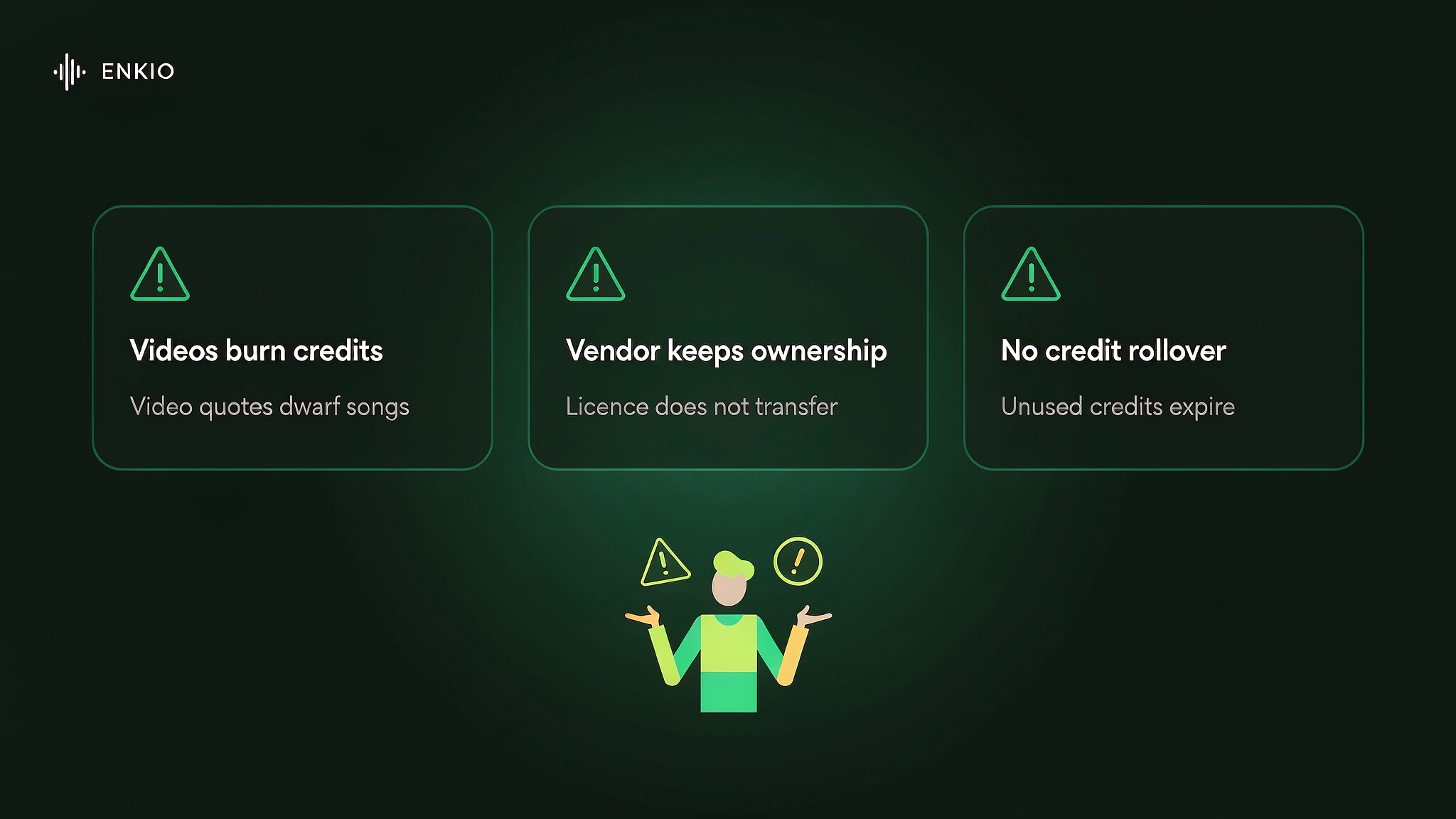
Musicful's FAQ grants commercial use on Standard and Pro, while the public Terms focus on service rules and user responsibility. The terms do not support a blanket promise that every output becomes the user's exclusive copyrighted work. Buyers planning rights registration, resale, or exclusive licensing should obtain written clarification.
Inputs can create legal and privacy risk
The terms require users to have rights to uploaded text and audio and grant Musicful non-exclusive use rights within the service. They also permit automated and human moderation. Do not upload confidential demos, third-party vocals, or copyrighted references without understanding those conditions.
“Up to 12 stems” is not a quality guarantee
Dense mixes can produce bleed and artifacts. Test one representative song before buying a plan for a stem-heavy workflow, and evaluate the exact parts you need rather than counting the maximum number.
Music video value depends on the live quote
The original article repeated a precise third-party credit quote for one short video as if it were a stable price. This version removes that number. Use the in-product quote for the selected duration, resolution, and mode and compare it with a dedicated video workflow.
Who should use Musicful?
Best fit: creators who want text, lyrics, or a hum as inputs and expect to use generation, stems, and occasional video inside one ecosystem.
Weaker fit: teams that require exclusive rights, confidential source audio, predictable video cost, or independently verified stem and vocal quality before purchase.
Use Enkio instead of Musicful
Enkio offers a more fluent workflow to generate music and music videos.
Frequently asked questions
Is Musicful free?
Musicful offers free access, but the Musicful FAQ says Free and Basic usage is non-commercial. Current credits, models, and download limits are shown on Musicful pricing; verify them in the account before starting a production project.
Can I use Musicful music commercially?
The official FAQ says Standard and Pro allow commercial use for legal projects, including distribution, ads, video soundtracks, sales, and licensing. You remain responsible for the legality of inputs and outputs under the Musicful Terms of Service.
Does Musicful give me copyright ownership?
The current public terms describe service access, user responsibilities, and Musicful's rights to operate the service, but they do not provide a simple universal promise that every generated track transfers exclusive copyright to the user. Commercial permission and copyright ownership are different questions; preserve the plan licence and seek advice for registration or exclusivity.
Can Musicful split a song into stems?
Yes. The Musicful Stem Splitter page advertises separation into up to 12 stems and MP3 or WAV export. Only upload music you have the right to process, especially for commercial remixing.
How do I cancel Musicful?
Open the Member Center, choose My Benefits, then My Product, then View Benefits. Use Cancel Subscription and confirm by email code. The official Musicful FAQ provides the same sequence.
Conclusion
Musicful offers a genuinely broad workflow, especially for creators who begin from a hum and want stems or an optional music video. Its quality decision should not rest on promotional superlatives. Confirm the current plan, distinguish commercial permission from ownership, protect uploaded material, test the stem output, and price the video stage separately.
Compared with Musicful, Enkio performs a better output result, including generated AI music, and even music videos which suites your song.