



Quick verdict: Mureka is a flexible browser-based AI song generator with prompt, lyric, vocal, reference, and editing workflows. Its strongest practical advantages are structured song creation and production-oriented exports; its biggest purchasing risks are expiring Gold, subscription-only downloads, and a plan structure that changes what you can edit and export.
Editorial disclosure and method: Enkio publishes this review and offers AI music and music-video tools. This is a desk-research review of Mureka, updated October 13, 2026. We checked the Mureka AI music generator, Mureka FAQ, Mureka subscription page.
Mureka AI overview
Mureka is an online AI music creation platform. The official product page describes prompt-based composition, lyrics and vocal features, reference inputs, genre and mood controls, and downloads including MP3 and higher-end production formats on eligible plans.
Mureka is a generator and editor, not a replacement for a DAW. It can provide a structured starting point, but mixing, mastering, rights clearance, and final release decisions still sit with the user.
| User job | Mureka route | Constraint to check |
|---|---|---|
| Create a first draft quickly | Prompt plus genre, mood, tempo, and instruments | Free Gold expires daily and free downloads are unavailable |
| Use your own lyrics or voice | Lyrics, vocal, audio reference, or supported YouTube reference | Only upload material you have the right to use |
| Revise part of a song | Studio and region-editing tools on eligible plans | The FAQ says Studio lyric editing is currently a Premier feature |
| Move into production | MP3, WAV, stems, or other plan-dependent exports | Confirm the exact plan and model before subscribing |
How Mureka works
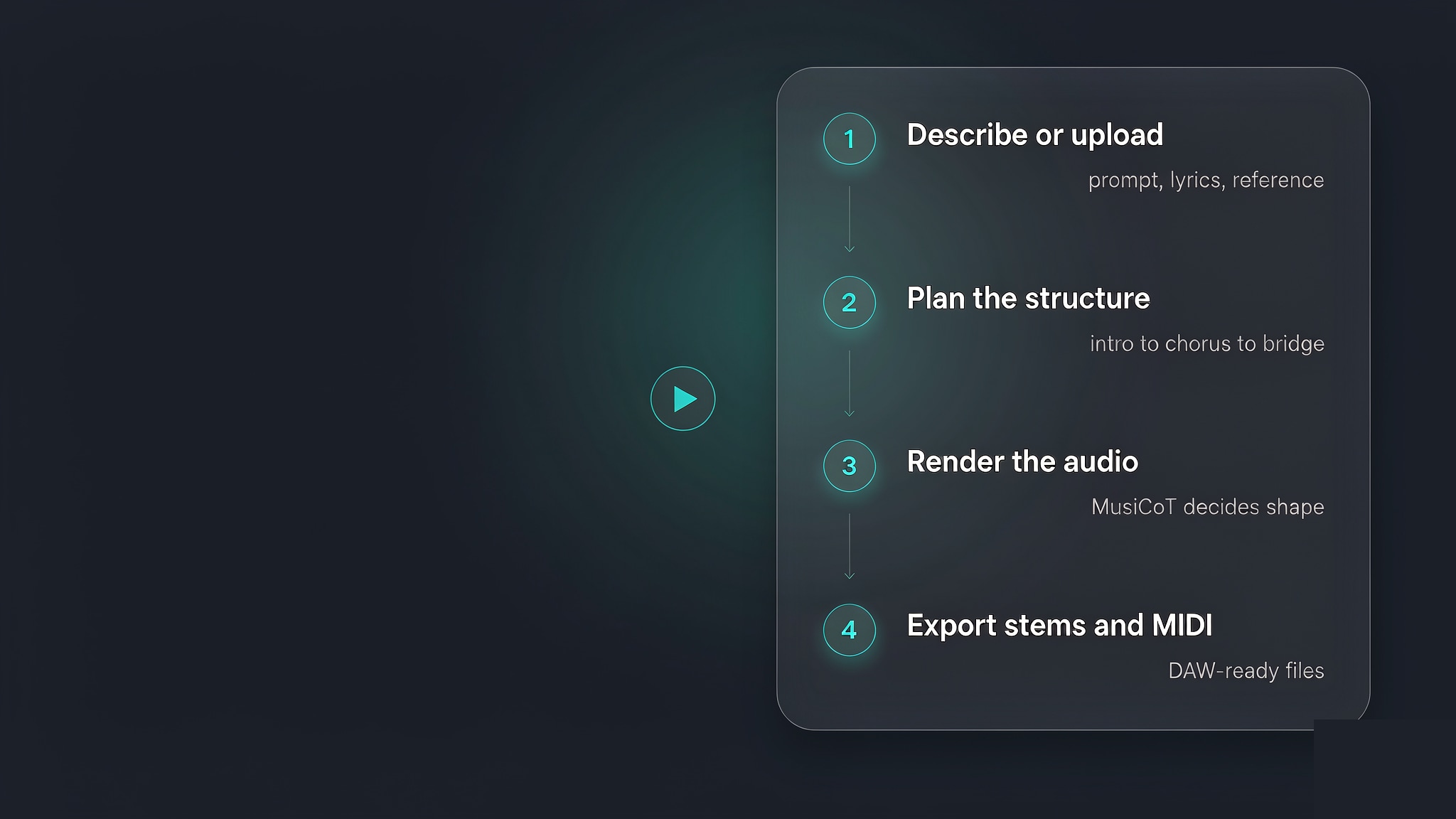
1. Start with a prompt, lyrics, or a reference
A useful prompt combines style, mood, and use case. Mureka's own FAQ recommends these three elements and notes that mixed styles can produce useful results. Advanced workflows can add a vocal or audio reference; a reference can override another setting, such as selected vocal gender.
2. Choose the model and editing depth
Model choice is also a budget choice because generation and editing use Gold. Use cheaper iterations while the brief is changing, then move to the preferred model after the structure and lyrics are stable.
3. Edit before spending on final exports
The official FAQ says Studio can update lyrics while preserving melody and vocal performance, but it is currently tied to the Premier plan. Verify that the exact editing feature you need is included before upgrading.
Mureka safety, legitimacy, and account risks
Legitimacy: Mureka has an active official site, product interface, subscription page, FAQ, terms page, account controls, and a published refund-policy route. These are positive operational signals, but they do not prove output ownership, model-training provenance, or independent security certification.
Account safety: use the official mureka.ai domain and the same sign-in method every time. Mureka warns that Google, Facebook, Apple, and Discord logins can create separate accounts even with the same email. Deleted accounts and songs cannot be recovered.
Input safety: do not upload vocals, reference audio, or YouTube material unless you have permission. A technically successful generation does not remove third-party copyright, publicity, privacy, or contractual rights.
Commercial safety: Mureka states that subscriptions include commercial usage rights, but users should save the plan record and terms that applied when the song was generated and distributed. Rights questions are more specific than “royalty-free.”
Mureka free plan, Gold, and subscription rules
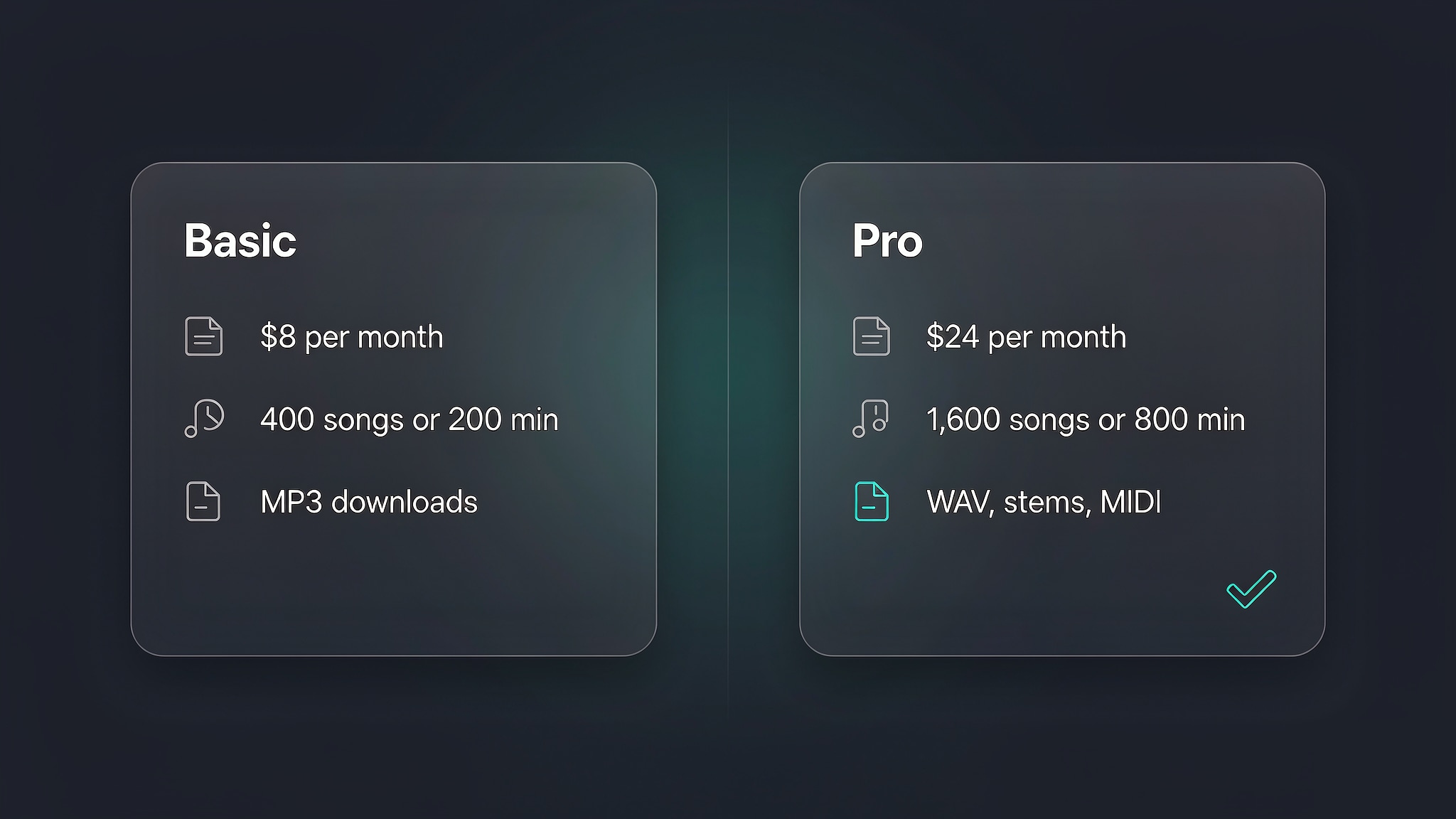
The official FAQ provides a clearer current picture than the old Basic-versus-Pro price table in the original article:
| Question | Current official answer | Practical effect |
|---|---|---|
| What does free include? | 50 free Gold per day, expiring daily; up to four songs with the basic 7.5-all model | Use free access to test output, not to build a downloadable library |
| Can free users download? | No; downloads are subscription-only | Subscribe before a deadline only after confirming the export format |
| Do paid Gold balances roll over? | FAQ says monthly subscription Gold expires one month after issue | Plan around a monthly production cycle |
| What happens after cancellation? | Songs remain playable; downloads require active membership | Archive finished files before access ends |
| Can I buy one song? | No; Mureka is subscription-only | One-off buyers should compare total subscription cost |
The subscription page may display annual plans as monthly equivalents. Mureka's FAQ specifically warns that a figure such as “per month” under the Yearly option is charged upfront for the full year. Check the selected billing cycle before payment.
What Mureka gets right
Multiple paths into a song
Text, lyrics, vocal references, and other supported inputs let a creator begin with the material they actually have. The FAQ also documents how conflicting inputs are prioritised, which reduces trial-and-error.
Editing that can preserve more of the song
Region and lyric editing can be more efficient than regenerating an entire track. The limitation is plan access: advanced Studio features can sit above the standard paid tier.
A clearer free-to-paid boundary
Mureka now documents daily free Gold, expiry, downloads, auto-renewal, cancellation, and post-expiry access in one FAQ. That makes it possible to plan a short test without relying on an outdated price comparison.
Real limitations
Gold expiry makes sporadic use inefficient
Daily free Gold expires at the end of the day, and paid Gold is issued monthly with a one-month life according to the FAQ. Creators who work in bursts should compare the value of a continuous subscription with a tool that sells permanent credits.
Downloads depend on an active subscription
You can still play songs after expiry, but you cannot download them without active membership. Export every approved version and retain licence records before cancelling.
Plan names and feature boundaries can move
The current FAQ refers to Free, Pro, and Premier and identifies Studio as a Premier feature. Older reviews that describe only Basic and Pro should not be used as a purchase checklist.
Output quality still needs your own test
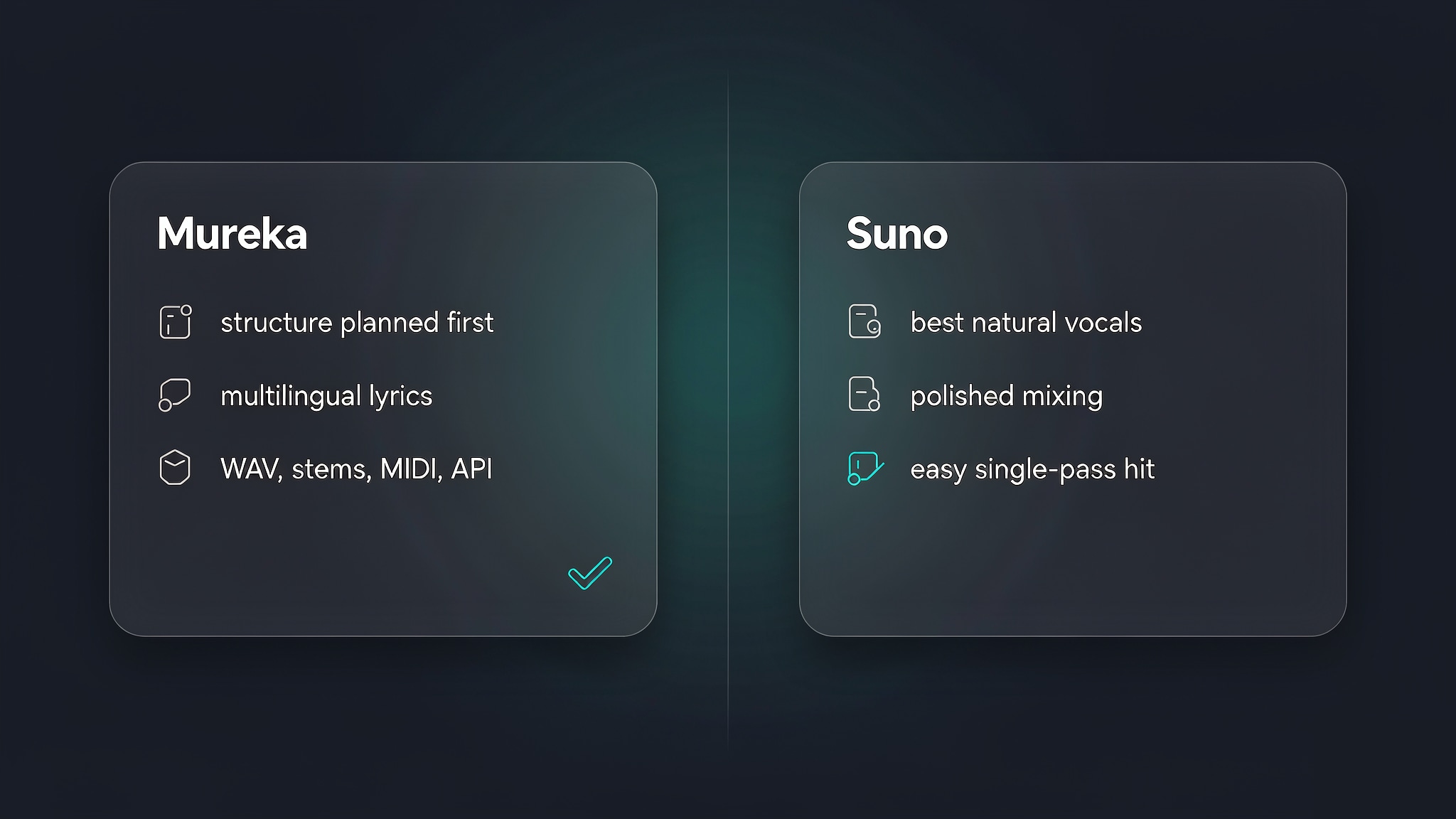
This desk review does not rank Mureka against Suno on vocal realism, multilingual quality, or mix polish. Run the same prompt, lyrics, duration, and reference across both tools, then evaluate structure, diction, artifacts, and export usefulness.
Who should use Mureka?
Best fit: creators who want several input methods, structured song drafts, and plan-dependent production exports, and who can use their Gold within each monthly cycle.
Weaker fit: one-off buyers, users who need free downloads, and creators who want permanent credit rollover or a guarantee that advanced editing is included in the lowest paid plan.
Turn a finished Mureka track into a video
Export the approved mix first, then evaluate a dedicated audio-to-video workflow for the visual release.
Frequently asked questions
What is Mureka AI?
Mureka is a browser-based AI music service that turns prompts, lyrics, and supported audio inputs into generated songs. The Mureka AI music generator page describes controls for genre, mood, tempo, instruments, vocals, lyrics, and export options.
Is Mureka AI safe and legit?
Mureka is an operating subscription service with published product pages, a detailed official FAQ, and account-management rules. That does not equal an independent security certification. Use the official mureka.ai domain, review Mureka's current terms, avoid uploading audio you do not have permission to use, and do not treat generated output as legally risk-free without checking the current licence.
Is Mureka AI free?
Yes, but the free allowance is for evaluation. The official FAQ says free users receive 50 Gold per day, expiring daily, and can make up to four songs with the basic 7.5-all model. Free downloads are not available; downloading requires a subscription.
How do I download a song from Mureka?
Sign in, open the generated song, and use the download option available to subscribers. The Mureka FAQ states that downloading is subscription-only. After a subscription expires, songs remain playable but cannot be downloaded without an active membership.
How do I cancel a Mureka subscription?
Open the Mureka subscription page, choose Manage Subscription, and cancel auto-renewal. The official FAQ says access continues until the end of the current monthly or annual billing period and no further renewal is charged.
Conclusion
Mureka is a legitimate, active AI music service with useful creation and editing paths, but the purchasing decision depends on Gold expiry, subscription-only downloads, and plan-specific tools. Test on the free daily allowance, confirm the exact paid features, export approved files before cancellation, and keep the applicable terms with every commercial release.