



Quick verdict: Canva is useful for creators who want to make or place music inside the same workspace as a video, presentation, or social post. It is less suitable as a dedicated music-production system because the available generator, export options, usage limits, and licence can depend on the specific Canva feature or third-party app used.
Editorial disclosure and method: Enkio publishes this review and offers AI music and music-video tools. This is a desk-research review of Canva's music-generation workflow, updated October 13, 2026. We checked the Canva AI Song Generator, Canva AI Product Terms, Canva pricing, and the Canva Beat Sync page.
What is the Canva AI music generator?
“Canva AI music generator” can refer to more than one route inside Canva: Canva's own song-generation page, music-generation apps in the Apps marketplace, and the broader audio workflow used to add a soundtrack to a design. That distinction matters. A feature built by Canva and an app supplied by another company can have different limits, export formats, data handling, and licence terms.
The stable part of the experience is the design-first workflow. Music supports a video, presentation, ad, or social asset; it is not the centre of a DAW-style production session. If you already edit in Canva, keeping soundtrack creation, clip timing, text, and export in one project reduces tool switching.
| Decision question | Canva is a good fit when… | Choose a dedicated music tool when… |
|---|---|---|
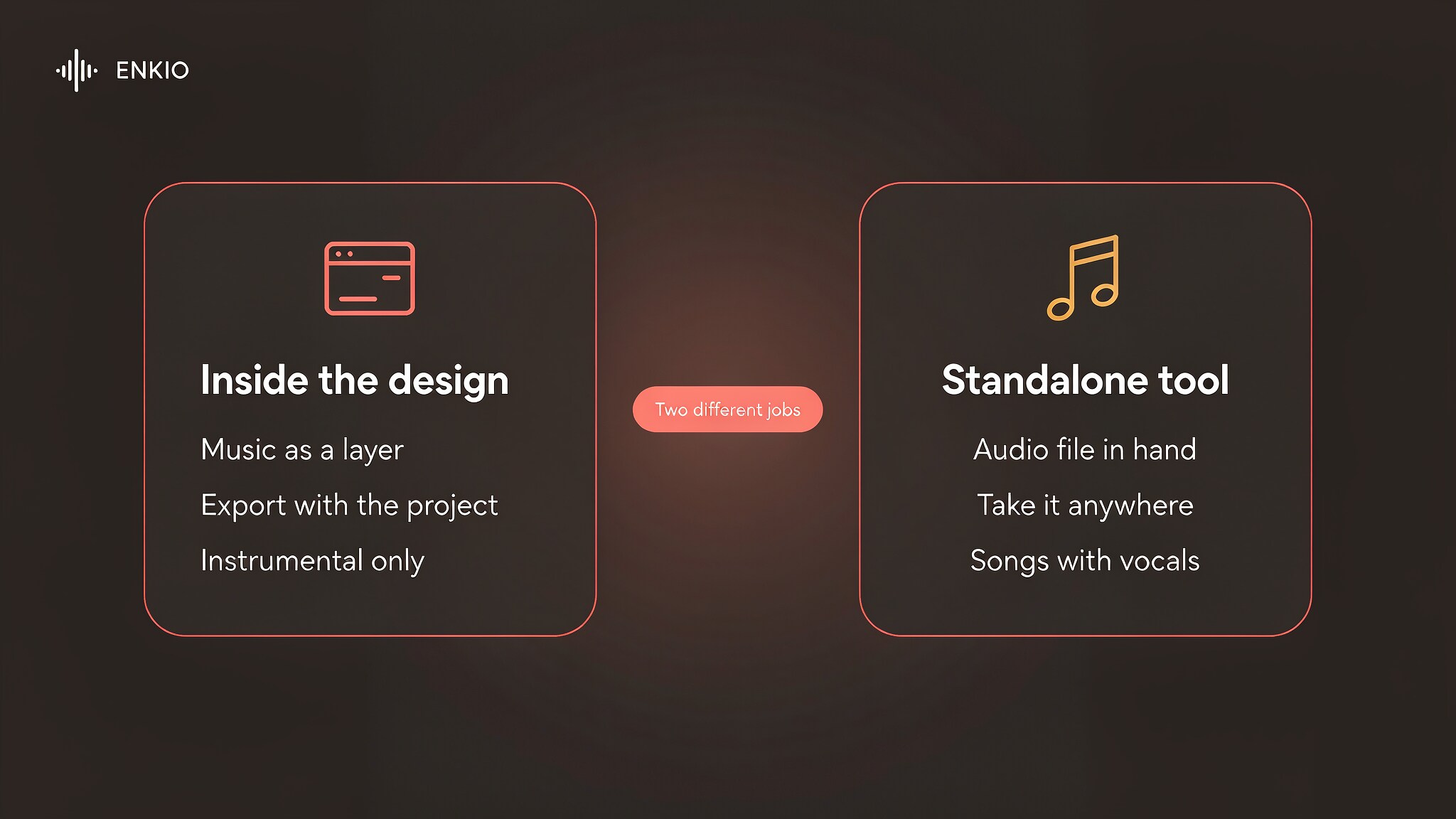
| What are you publishing? | A video, presentation, ad, or social post | A standalone song or album-ready audio file |
| How much control is required? | Mood-level control and timeline placement are enough | You need stems, MIDI, detailed arrangement, or vocal editing |
| Where will the audio be used? | Inside the Canva design you are exporting | Across multiple editors, distributors, or client libraries |
| How important are rights? | The displayed asset licence covers the project | You need exclusive ownership or a sublicensable audio asset |
How the Canva music workflow works
1. Confirm which generator you are using
Start by checking the provider name and the usage notice shown in the editor. Do not treat every app returned by a search for “AI music” as a native Canva feature. This check determines which terms, credit system, and support channel apply.
2. Describe the role of the music
A useful prompt specifies the asset, not just a genre: “restrained electronic underscore for a 45-second product demo, no dramatic drop” is more actionable than “electronic music.” Include mood, pace, duration, and whether dialogue must remain clear.
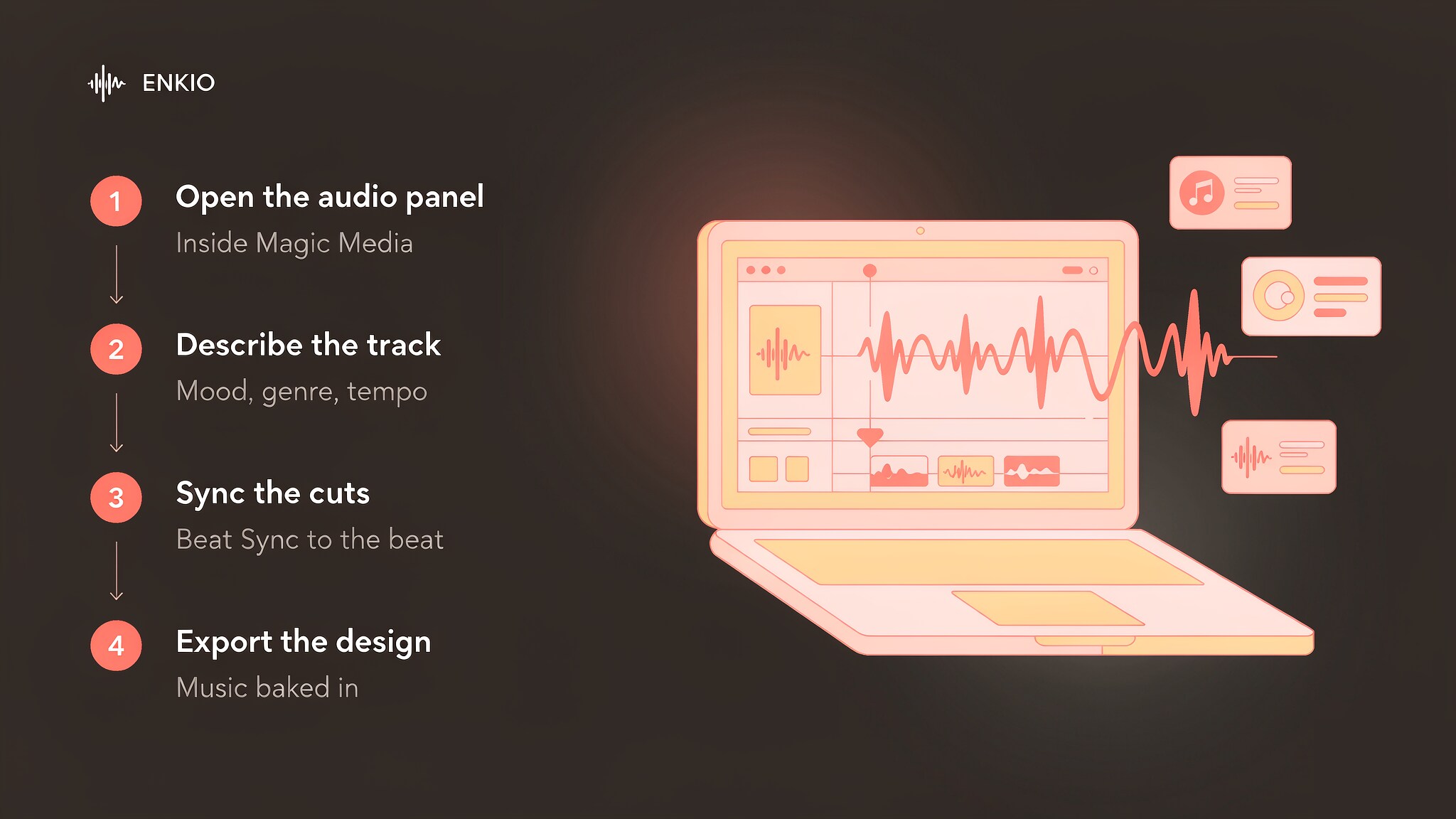
3. Place and time the audio in the design
Preview the result against the actual cuts, captions, and voiceover. When Beat Sync is available for the project, it can help align footage to the detected rhythm; it does not replace judgement about pacing, dialogue clarity, or whether a cut lands on the right musical moment.
4. Verify the export and licence before publishing
Run a short export before finishing the project. Confirm the output format, watermark status, separate-audio availability, commercial permissions, attribution requirements, and any restrictions on resale or content identification. The safest time to find a licence mismatch is before the soundtrack becomes part of a client deliverable.
What Canva gets right
A design-first workflow
Canva removes the download-and-reimport step when the final product is already a Canva design. The same timeline holds the visuals, titles, voiceover, and music, which is efficient for short-form marketing and presentation work.
Fast evaluation in context
A soundtrack can sound acceptable in isolation and fail under dialogue. Canva's advantage is that you can judge it inside the real visual asset immediately, then change the cut or the audio without rebuilding the project elsewhere.
Beat-led editing without a specialist timeline
Beat-aware timing lowers the effort required to make a simple montage feel intentional. This is especially useful for creators who need rhythmically coherent social clips but do not need a full music-production environment.
Pricing, credits, and commercial use
Canva's plan prices and AI limits vary by region and can change independently of a specific music app. For that reason, this review does not repeat a fixed token count or promise that a feature is included in every plan. Use the live Canva pricing page and the in-editor usage counter as the source of truth.
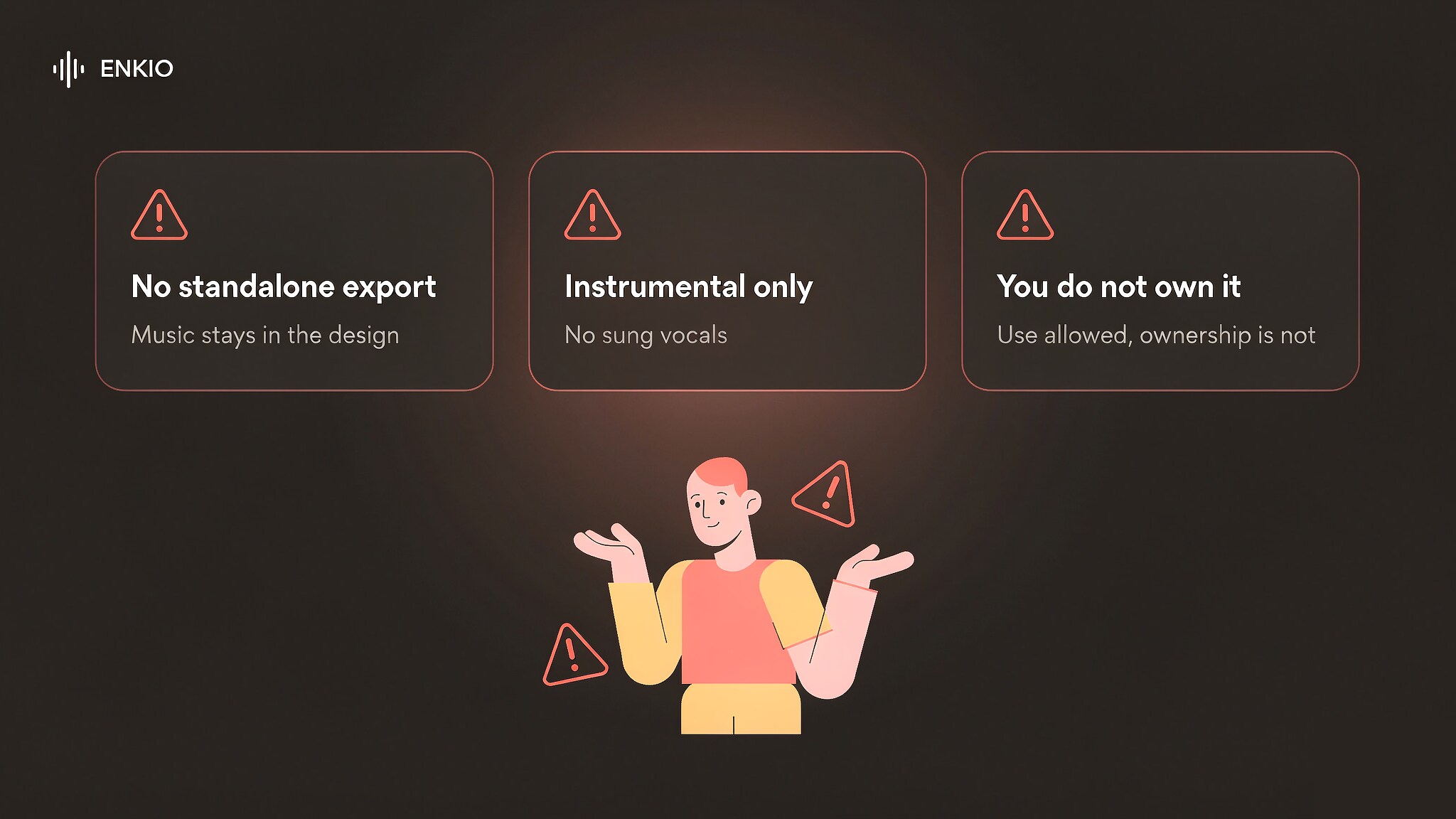
The same caution applies to commercial use. Canva's platform terms, the licence attached to an asset, and a third-party app's own terms can all matter. “Available in Canva” does not necessarily mean “owned by the user,” “exclusive,” or “safe to resell as a standalone track.”
Real limitations and risks
The product boundary can be unclear
The phrase “Canva AI music generator” can hide a meaningful distinction between native Canva functionality and an integrated app. If a review does not identify the provider and date, its feature limits may not match what you see.
Export options may not match an audio-production workflow
Canva is designed to export a finished design. If your next step is a DAW, a distributor, or a client asset library, verify that the chosen generator offers the separate audio format and licence you need.
Prompt control is not arrangement control
Mood, genre, and duration can shape a soundtrack, but they do not provide the same control as stems, MIDI, region editing, or a multitrack session. This is a workflow limitation, not necessarily a quality problem.
Who should use Canva for AI music?
Best fit: social media managers, educators, marketers, and small teams already producing visual assets in Canva who need a soundtrack in context.
Weaker fit: musicians who need a standalone release, producers who need stems or MIDI, and agencies that require a clearly sublicensable audio library across many clients.
Turn a finished track into a visual
If your audio is ready and the missing piece is the video, compare a dedicated audio-to-video workflow before adding another song-generation platform.
Frequently asked questions
Is the Canva AI music generator free?
Canva offers free accounts, but AI availability and usage limits can vary by feature, account, region, and whether the generator is a Canva feature or a third-party app. Check Canva pricing and the usage notice shown inside your account before planning a production workflow.
Does Canva generate music videos?
Canva can assemble video, audio, animation, and timed clips in one design, and Canva Beat Sync can align supported footage to a soundtrack. That is different from generating a complete performance video from a finished song; the result still depends on the media and tools used in the Canva project.
Can I use Canva AI music commercially?
Commercial use depends on the specific music source and its licence. Review the notice attached to the generated asset and Canva AI Product Terms; third-party Canva apps may apply their own terms. Do not assume that access to a track automatically gives exclusive rights or unrestricted resale rights.
Can I download music made in Canva?
You can export a Canva design with audio, subject to the format and licence shown in the editor. Whether the audio can be downloaded as a separate reusable file depends on the particular generator or app, so confirm the export options before committing to Canva as an audio-production tool.
Is Canva a replacement for a dedicated AI song generator?
Usually not. Canva is strongest when the goal is a finished visual asset with a soundtrack. A dedicated song generator is a better fit when you need detailed arrangement control, stems, MIDI, a standalone release file, or a repeatable DAW workflow.
Conclusion
Canva is most compelling as a visual-production environment that can create or place music, not as a universal replacement for a dedicated AI music studio. Confirm the provider, account limit, export format, and licence inside your project; if those four checks pass, the one-workspace workflow can save substantial time.